

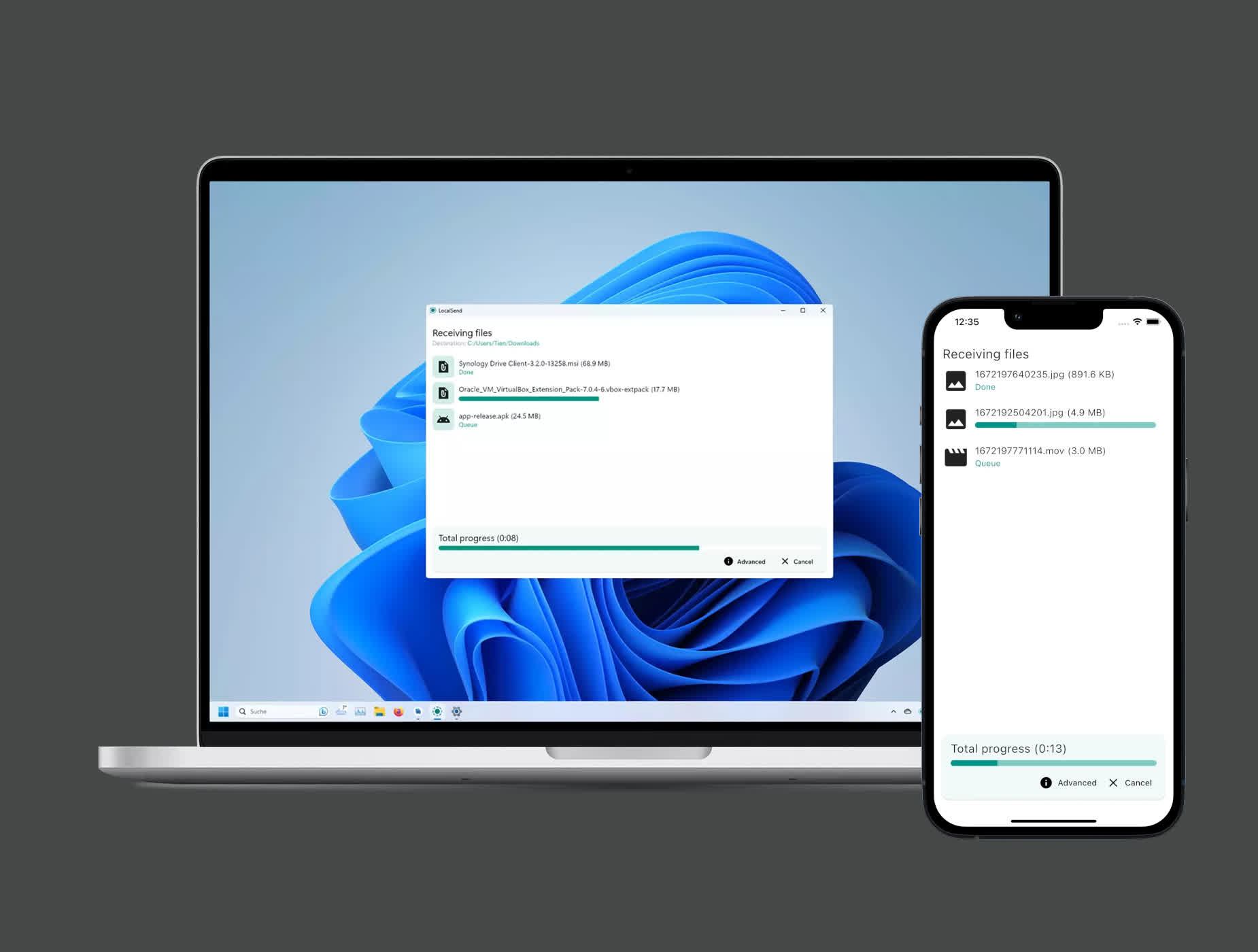
LocalSend is a free, open-source alternative to AirDrop and Quick Share that lets you transfer files between nearby devices, regardless of which operating system they use. It supports Windows, macOS, Linux, Android, and iOS, making it easy to move photos, videos, documents, folders, and text between phones, tablets, and computers.
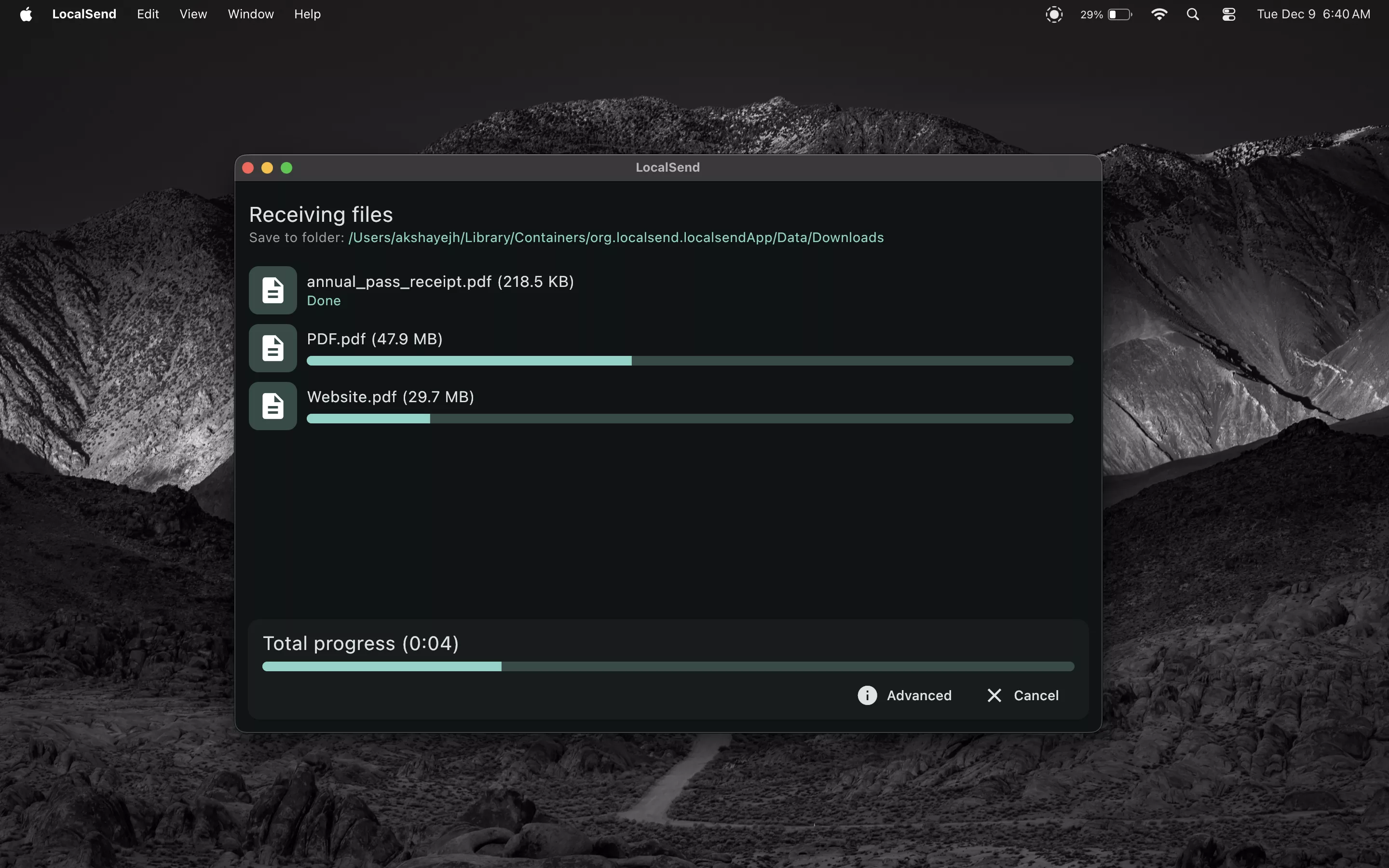
Transfers take place directly over your local Wi-Fi or wired network, without uploading anything to cloud storage or passing data through a third-party server. No account, login, internet connection, or device pairing is required. Open LocalSend on both devices, select what you want to share, and choose the receiving device when it appears.
LocalSend automatically discovers compatible devices on the same network and protects transfers using HTTPS encryption. You can also enable a PIN for additional verification before accepting files.
Do both devices need to be connected to the same Wi-Fi network?
Usually, yes. LocalSend transfers files over the local network, so both devices must be able to communicate with each other. They can be connected through Wi-Fi, Ethernet, or a phone hotspot, provided the network does not isolate connected devices. An active internet connection is not required.
Why can't LocalSend find my other device?
First, confirm that LocalSend is open on both devices and that they are connected to the same local network. On Windows, set the network profile to Private and allow LocalSend through the firewall. On an iPhone, iPad, or Mac, make sure LocalSend has permission to access the local network. Guest Wi-Fi, VPNs, and router settings such as AP or client isolation can also prevent discovery.
Is LocalSend safe to use?
LocalSend sends files directly between devices and does not upload them to a cloud server. Communication is encrypted using HTTPS, and an optional PIN can be enabled to confirm transfers.
Does LocalSend have a file-size limit?
LocalSend doesn't impose a fixed file-size limit, so it can be used for large videos, archives, and folders. For very large transfers, keeping both devices awake and connected to a stable 5 GHz or wired network is recommended.
Why are my LocalSend transfers slow?
Transfer speed is determined mostly by the local network rather than the speed of the internet connection. Using 5 GHz or Wi-Fi 6, moving closer to the router, avoiding congested networks, and connecting one device through Ethernet can improve performance. VPNs, power-saving modes, weak signals, and slower storage can also reduce transfer speeds.
Features
Cross-Platform File Sharing
Transfer files between Windows, macOS, Linux, Android, and iOS devices. LocalSend works across platforms rather than limiting transfers to one manufacturer's ecosystem.
No Cloud or Internet Required
Files are sent directly between devices over the local network. Nothing needs to be uploaded to an external server, and transfers do not consume internet bandwidth.
Automatic Device Discovery
Nearby devices running LocalSend normally appear automatically when connected to the same local network. No account, QR code, Bluetooth pairing, or manual IP configuration is usually required.
Encrypted Transfers
LocalSend uses HTTPS encryption for communication between devices. Optional PIN verification can add another layer of protection when accepting transfers.
Share Files, Folders, and Text
Send photos, videos, documents, folders, clipboard text, and other file types. LocalSend does not impose its own file-size or bandwidth limits.
Free and Open Source
LocalSend is free, contains no advertising or tracking, and is released under the Apache License 2.0.
What's New
A small interim release before WebRTC is stable (#2204)
- feat: add advanced setting to filter network interfaces (@Tienisto)
- feat(mobile): swipe gesture to select multiple media files (@Tienisto)
- feat(windows): when pasting an image, automatically convert it to PNG (@BrianMwit)
- feat(android): add option to open gallery when image/video was automatically saved (@Tienisto)
- fix: path traversal vulnerability when saving files (@Tienisto)
- fix: black screen when tapping on "Back" twice in "Share via link" (@Tienisto)
- fix(macos): window disappears on command key when minimize to tray is enabled (@Tienisto)
- fix(windows): do not poll local IP resulting in unwanted location permissions (@Tienisto)

