

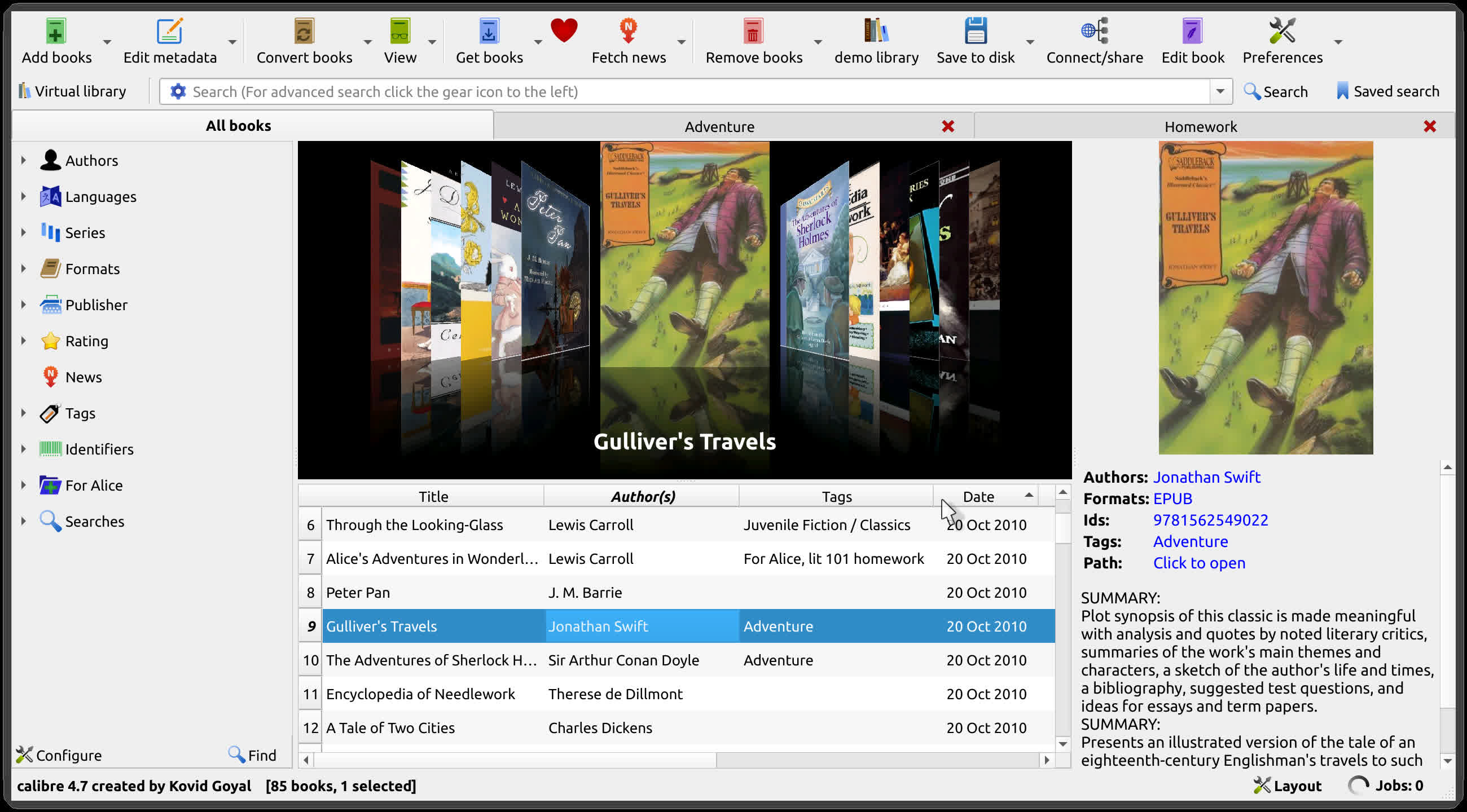
Calibre is an e-book library manager. It can view, convert and catalog e-books in most of the major e-book formats. It can also talk to many e-book reader devices. It can go out to the Internet and fetch metadata for your books. It has a cornucopia of features divided into the following main categories:
- Library Management
- E-book conversion
- Syncing to e-book reader devices
- Downloading news from the web and converting it into e-book form
- Comprehensive e-book viewer
- Content server for online access to your book collection
Is Calibre an e-book reader?
No, Calibre is an e-book manager in which you can organize existing e-books into virtual libraries, displaying, editing, creating and converting e-books, as well as syncing e-books with a variety of e-readers.
Can I write an e-book with Calibre?
Yes. Calibre can turn your personal documents to e-books or create them from scratch. It has automatic style helpers and scripts generating the book's structure.
Which devices does Calibre support?
Calibre is compatible with almost any e-reader, phone or tablet, as well as Windows, Mac and Linux devices. You can transfer your e-books from one device to another in seconds. Calibre will send the best file format for your device, converting it if needed, automatically.
What formats does Calibre support conversion to/from?
Calibre supports the conversion of many input formats to many output formats such as:
- Input Formats: AZW, AZW3, AZW4, CBZ, CBR, CB7, CBC, CHM, DJVU, DOCX, EPUB, FB2, FBZ, HTML, HTMLZ, LIT, LRF, MOBI, ODT, PDF, PRC, PDB, PML, RB, RTF, SNB, TCR, TXT, TXTZ
- Output Formats: AZW3, EPUB, DOCX, FB2, HTMLZ, OEB, LIT, LRF, MOBI, PDB, PMLZ, RB, PDF, RTF, SNB, TCR, TXT, TXTZ, ZIP.
Can Calibre read RSS feeds?
Yes, Calibre can deliver news to your device from hundreds of news sources or any RSS feed.
Does Calibre offer cloud storage for my library?
Calibre doesn't offer cloud storage, but it does integrate with most major cloud providers, including Google Drive, Dropbox, and OneDrive. This way, you can set up your eBook library in the cloud and access the content from your phone or tablet.
What's New
New features
- Allow generating book covers using AI with different cover styles such as romance, sci-fi, pulp fiction etc.
- To use it select a book and click Edit metadata and then the "AI Generate" button. Note that you will have to configure an image generating AI provider the first time you use this feature.
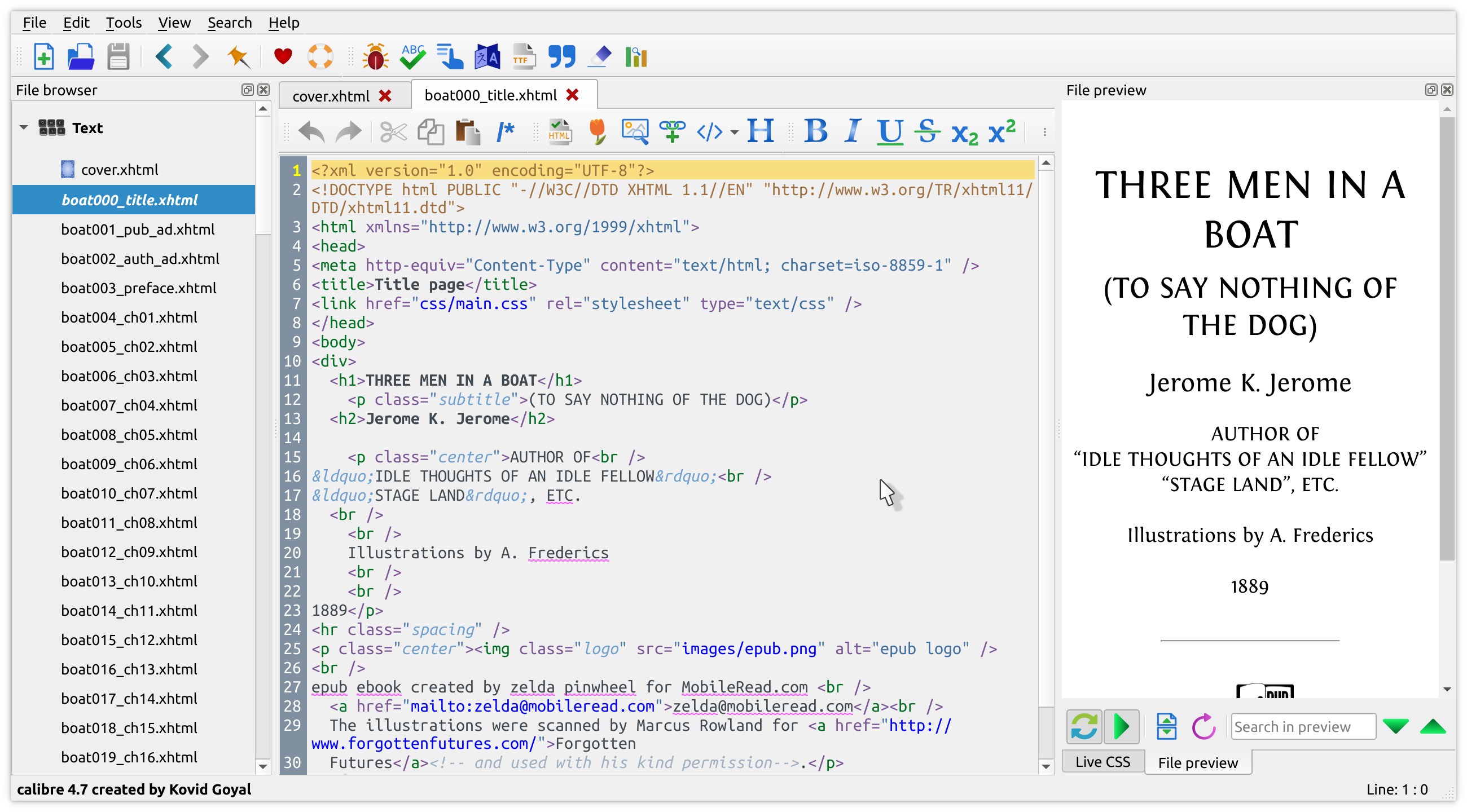
- Edit book: File browser: When hovering the mouse over an image file show a floating preview of the image next to the file browser
- Tags editor: have searching ignore accents. Closes tickets: 2164853
- AI: Add Anthropic and Grok backends for Claude and Grok models
- AI: Remove GitHub backend as service has been discontinued. Closes tickets: 2163567
- Edit metadata dialog: Always scale up cover preview to fill available space while maintaining aspect ratio
Bug fixes
- Content server: OPDS: Fix a regression that caused first line of comments to be missing. Closes tickets: 2165075
- Undo delete books: Show a progress bar when more than five books have to be undeleted. Closes tickets: 2164811
- Linux: Binary builds: Fix hyperlinks in labels not working on some Linux systems. Closes tickets: 2164584
- Get books: Fix a regression that broke show in store. Closes tickets: 2164586
- Fix cover images with empty EXIF records not showing on Kindle lockscreen. Closes tickets: 1943495
- Fix a regression in 9.11 that broke configuring the Folder device driver. Closes tickets: 2163674
- Google AI: Fix the checkbox to allow search grounding invisible in the config dialog. Closes tickets: 2163025
- Fix a regression in 9.11 that broke reading metadata from HTML files in builds of calibre with Python runtime assertions enabled
- Edit book: Jump to class: Fix @charset rule causing jump to class to be off-by-one because it uses tiny css which ignores chaset rules while cssutils does not
- FB2 Input: Only accept known FB2 namespaces to avoid arbitrary file write
- Content server: Fix various arbitrary file write bugs for authenticated users
- Content server: Fix remote code execution for authenticated users
- Content server: Fix cross site scripting in legacy book details page
- MOBI Output: Make palmdoc compression robust against crafted input
New news sources
- The Golfer's Journal by Ben Ng
Improved news sources
- Pagina12
- The Week
- Nautilus
- Smithsonian Magazine
- FAZ.net
- Daily Mail

