

HWiNFO64 offers comprehensive, real-time data on every component in your PC, including CPU, GPU, motherboard, RAM, drives, sensors, and more. With highly detailed reports, customizable alerts, and extensive logging features, HWiNFO64 is trusted by enthusiasts, system integrators, and IT professionals alike.
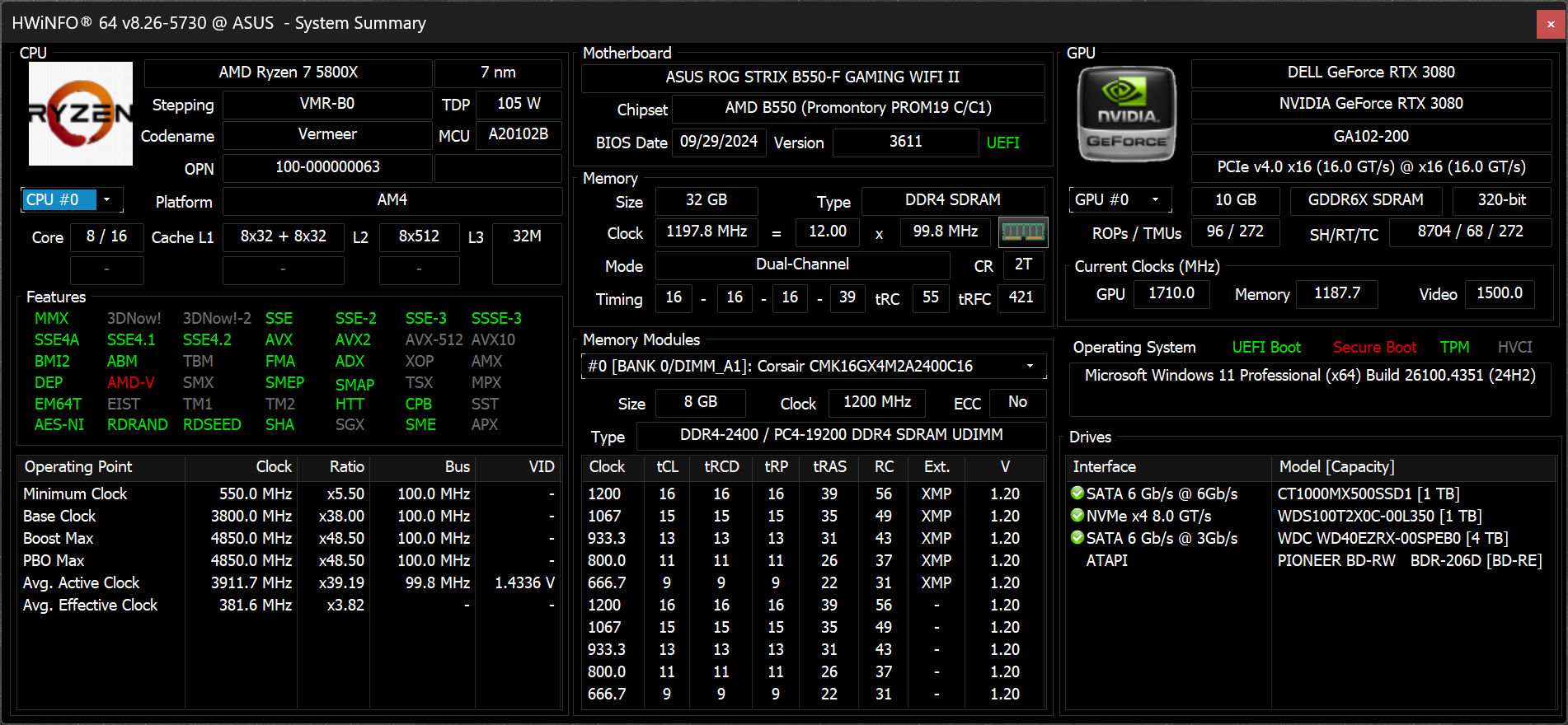
Whether you're benchmarking, overclocking, or ensuring system stability, HWiNFO64 delivers accurate and up-to-date hardware insights in a clean, configurable interface.
Which values should I monitor when using HWiNFO64?
The most useful readings to track are CPU core temperatures, CPU package temperature, GPU temperature, VRM temperatures, and key voltages. For AMD CPUs, Tdie or Tctl is commonly used; for Intel, the highest core temperature is important. The "Sensors only" mode gives a focused view, and enabling logging helps track performance or diagnose issues over time.
Is HWiNFO CPU and GPU temperature accurate?
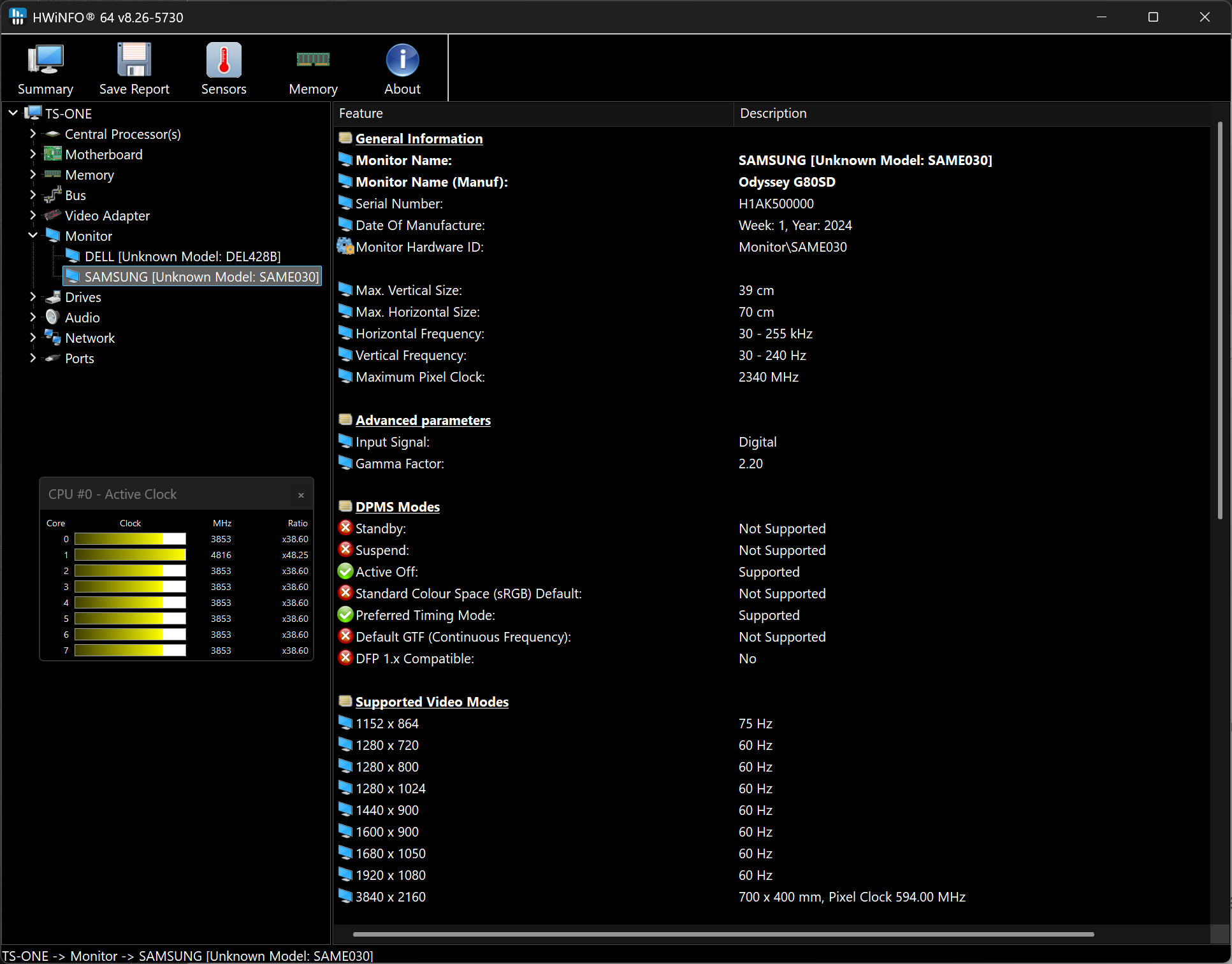
Yes, HWiNFO data is reliable and accurate and will inform you about everything it possibly can about your computer. The information is split in 3 windows: a system summary, a full report, and active sensor readings.
Can HWiNFO64 show VRM temperatures?
Yes, HWiNFO64 can monitor VRM temperatures if your motherboard provides access to that data. VRM temperatures often appear labeled as "VRM" or "MOS" in the sensors list. If no such label appears, it's likely your motherboard doesn't include a sensor for that component.
Can HWiNFO control fans?
Technically, yes, HWiNFO shows you real-time data on hardware components and allows you to manually control fan speeds. However, you must use this feature carefully. HWiNFO was primarily designed to show system information. If you're looking to control CPU and GPU fan speeds you should take a look at SpeedFan or FanControl, which are specialized tools, both are free and have been tested extensively.
Is HWiNFO compatible with Windows 7?
Yes, HWiNFO is compatible with Windows 7. Depending on your OS, you should choose the corresponding HWiNFO version. HWiNFO32 is compatible with Windows 95 32-bit and later, HWiNFO64 is compatible with Windows XP 64-bit and later. There is also a DOS compatible version.
Features
Comprehensive Hardware Information
Exhausting information about hardware components displayed in hierarchy unfolding into deep details. Useful for obtaining a detailed hardware inventory report or checking of various hardware-related parameters.
System Health Monitoring
Real-time monitoring of a variety of system and hardware parameters covering CPUs, GPUs, mainboards, drives, peripherals, etc. Useful for detection of overheating, overload, performance loss or failure prediction.
Extensive Reporting
Full hardware hierarchy, or quick summary overview. Export into XML, CSV, HTML reports. System monitoring in customizable tables, graphs, tray icons, OSD.
Alerting and Extensions
Customizable alerts on any parameter monitored with user-defined actions. Interfacing with other applications and 3rd-party extensions.
What's New
- Fixed NGU clock reporting on Arrow Lake.
- Added reporting of GPU Hot Spot Temperature for NVIDIA Blackwell.
- Added per-chip VRAM temperature monitoring for NVIDIA GPUs with GDDR6X/GDDR7.
- Enhanced sensor monitoring on GIGABYTE next-gen Intel motherboards.
- Added AMD Radeon RX 9060 XT LP and Radeon RX 9050.
- Added per-chip VRAM temperature monitoring for AMD Navi GPUs.
- Improved support of Hygon C86.
- Added ability to move OSD window without title.
- Added preliminary support of Razor Lake AX.
- Enhanced sensor monitoring on ASUS ROG CROSSHAIR 2006.
- Added monitoring of System domain clock on NVIDIA GPUs.
