

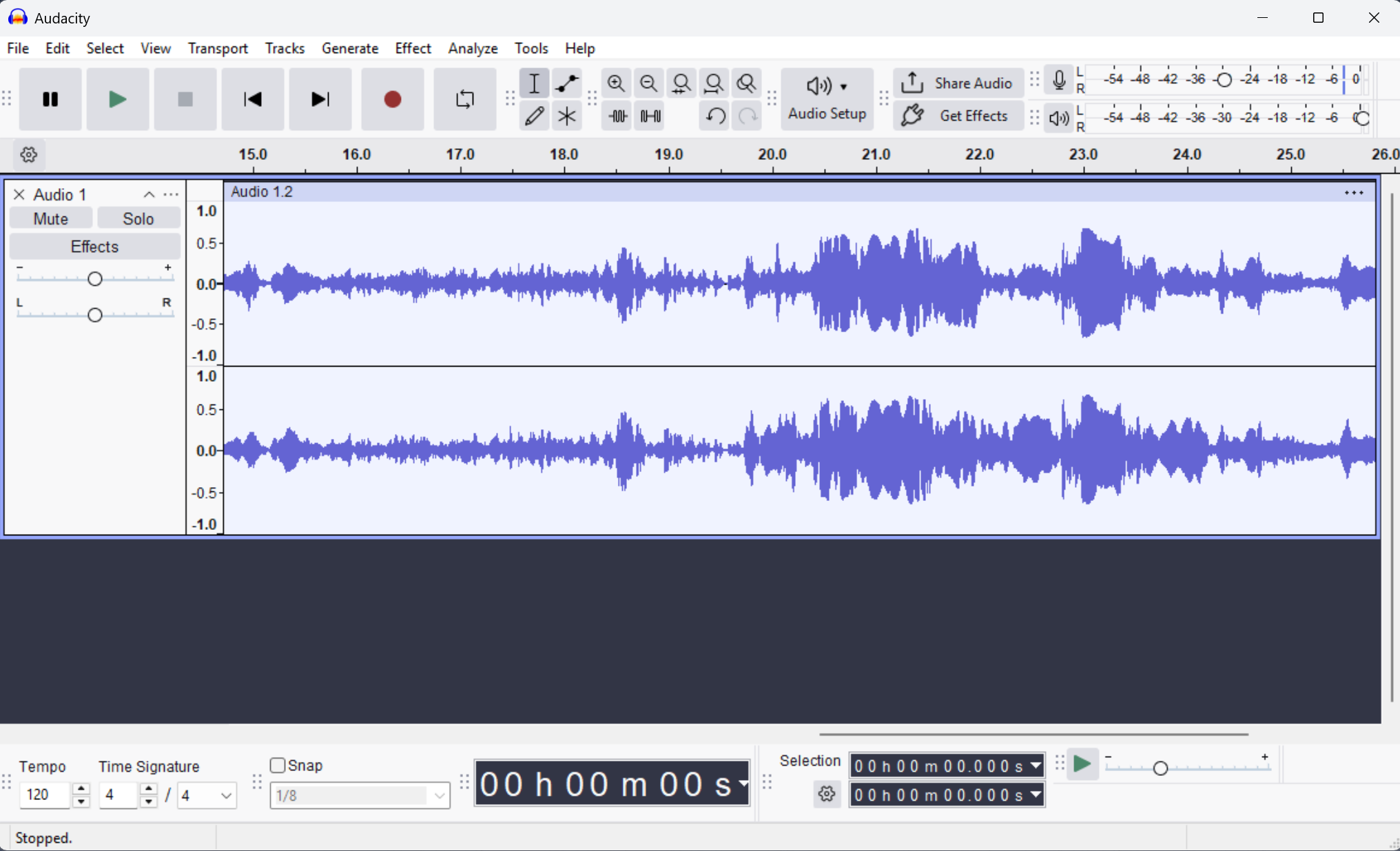
Audacity is a free and open source audio software for multi-track recording and editing. It can record live audio through a microphone, mixer, or digitize recordings from other media. With some sound cards, and on any recent version of Windows, Audacity can also capture streaming audio.
Import sound files, edit them, and combine them with other files or new recordings. Export your recordings in several common file formats.
Is Audacity suitable for recording a podcast?
Yes, Audacity features a large number of effects and preset EQ curves with real time preview. It also lets you import and export WAV, AIFF, AU, FLAC, and MP3 natively. In addition, an auto-duck feature lets you mix different audio tracks or voiceovers for recording a proper podcast.
Is Audacity safe to use?
Audacity is free and open-source software that's been around for many years, so yes, it's safe to use. There was some controversy in 2021 after the company was acquired by Muse Group and changes were made to the program's privacy policy, but thankfully the community's protests got Audacity back on track.
Does Audacity work on Android or iOS?
No, Audacity is not available for Android or iOS, but WavePad offers similar functionality and is available on mobile for free.
What are the best Audacity features?
Audacity packs several features for recording and editing different type of audio files such as:
- 100+ sound effects.
- Support for 16-bit, 24-bit and 32-bit audio files
- Simple audio compressor
- A built-in mixer
- Plot Spectrum window for detailed frequency analysis
- Batch processes for tuning up several audio files at once
What are the best Audacity alternatives?
WavePad and ocenaudio are well known alternatives for recording and editing audio files.
Is Audacity free?
Yes, Audacity is free and open-source. You can use this software for any personal or commercial purpose.
Features
Recording
- Audacity can record live audio through a microphone or mixer, or digitize recordings from other media.
Export / Import
- Import, edit, and combine sound files. Export your recordings in many different file formats, including multiple files at once.
Sound Quality
- Supports 16-bit, 24-bit and 32-bit. Sample rates and formats are converted using high-quality resampling and dithering.
Plug-ins
- Support for LADSPA, LV2, Nyquist, VST and Audio Unit effect plug-ins. Effects can be easily modified in a text editor - or you can even write your own plug-in.
Editing
- Easy editing with Cut, Copy, Paste and Delete. Also unlimited sequential Undo (and Redo) in the session to go back any number of steps.
Effects
- Real-time preview of LADSPA, LV2, VST and Audio Unit (macOS) effects. Plug-in Manager handles plug-in installation and addition/removal of effects and generators from the menus.
Accessibility
- Tracks and selections can be fully manipulated using the keyboard. Large range of keyboard shortcuts.
Analysis
- Spectrogram view mode for visualizing and selecting frequencies. Plot Spectrum window for detailed frequency analysis. Support for Vamp analysis plug-ins.
What's New
This is a patch release. It contains the following changes:
- #10688 Fixed an exception thrown when pasting into a newly-created track (Thanks, David Bailes (@DavidBailes)!)
- #10870, #10884, #10775, #10629 Fixed tone generation, waveform-scale setting, SetClip Name parameter,
- and clip-boundary command names for scripting and macros (Thank you, David Bailes (@DavidBailes)!)
- #11106 Fixed the loading of presets for the Distortion effect (A million thanks, David Bailes (@DavidBailes)!)
- #10947 Fixed paste into an empty audio track not preserving the source sample rate (Thanks, Juan Gabriel Colonna (@juancolonna)!)
- #10776 Allowed AltGr modifier in label and clip name editing (Thanks, Davide Peressoni (@DPDmancul)!)
- #9938 Added options to choose where silence is truncated (start/middle/end) (Thanks, Noah Rosenfield (@nosenfield)!)
- #9935 Added Podcast 2.0 chapters JSON export for label tracks (Thanks, Noah Rosenfield (@nosenfield)!)
- #10103 Improve UI on HiDPI displays on Linux/wxGTK (Thanks, Ivan A. Melnikov (@iv-m)!)
- #10099 Fixed MixerBoard Mute and Solo button display (Thanks, Ivan A. Melnikov (@iv-m)!)
- #10681 Fixed multichannel FLAC import
- #10999 Fixed envelope being broken after joining clips

