
Something to look forward to: Windows is finally changing how users interact with two of the operating system's most prominent accessibility features. Sticky Keys and Filter Keys, first introduced in Windows 95, will soon be easier to disable permanently. As a result, users who don't have trouble interacting with a keyboard should experience fewer interruptions during critical tasks – or, perhaps more importantly, leisure activities.
Sticky Keys is a classic accessibility feature available across all major computer operating systems. System 6 reportedly introduced the feature on Mac systems in 1988. The option provides a way to "serialize" keystrokes, allowing them to press and release a modifier key – Shift, Ctrl, Alt, or Win – just once when using a standard keyboard shortcut, rather than holding it down while pressing another key.
Filter Keys, meanwhile, is a Windows-specific accessibility option designed to ignore brief or repeated keystrokes. People affected by hand tremors or other physical conditions can benefit greatly from this feature, which helps prevent typing and other input errors.
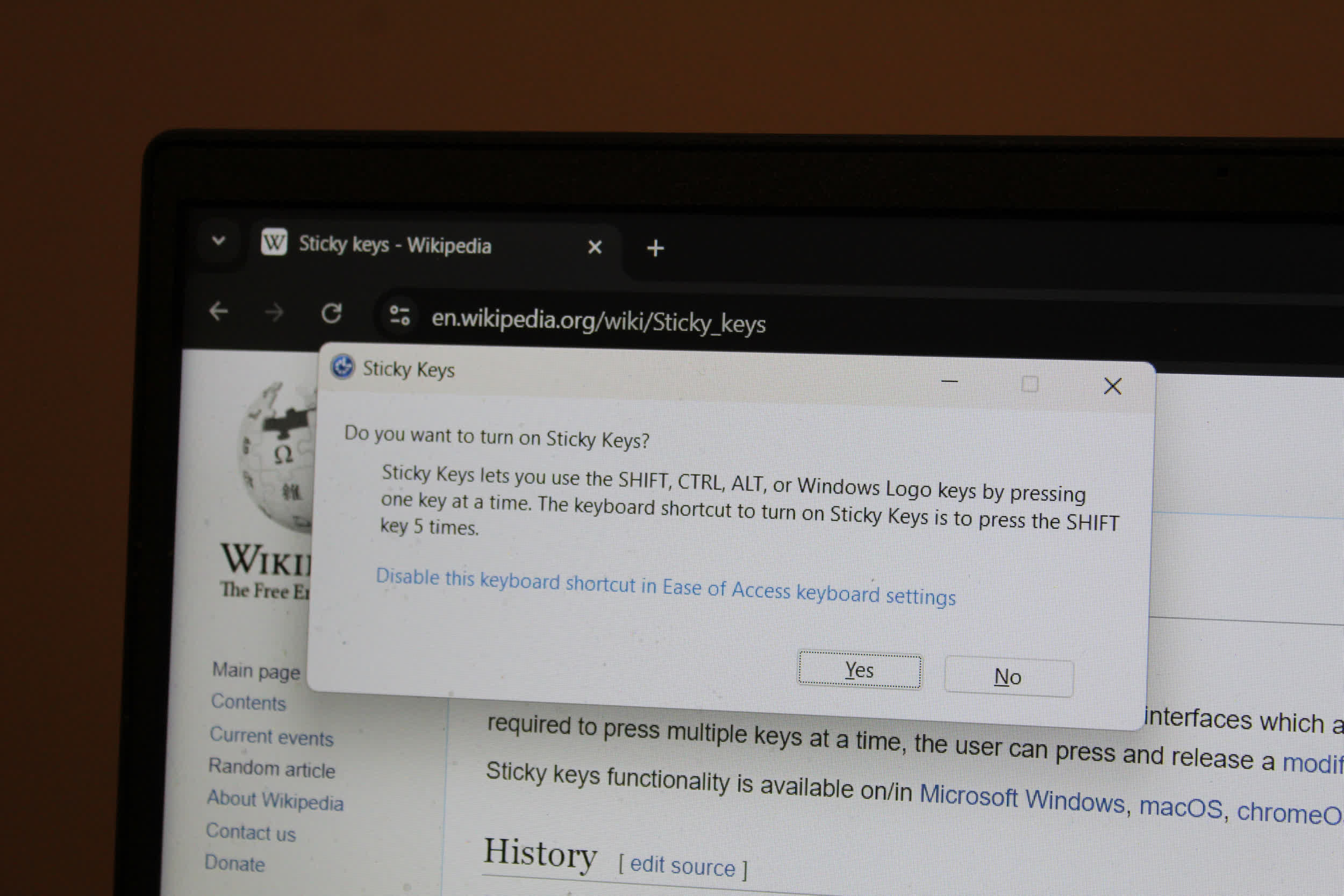
Both features are designed to improve accessibility in Windows, but they can also become a nuisance if you don't need them. Traditionally, these options can be activated by simply pressing the Shift key five times or holding it down for an extended period. The operating system might interrupt gaming sessions, or other immersive experiences, with an annoying "Turn Sticky Keys on?" pop-up.
Starting with Windows 11 Insider Beta Preview Build 26320.9876, the system interface will offer a new option to permanently dismiss these pop-ups. Microsoft said users who don't need Sticky Keys or Filter Keys should have an easier time dealing with the features, reducing interruptions caused by the surprisingly persistent notifications.
I've lost count of how many times the Sticky Keys pop-up has interrupted my daily computing tasks across multiple Windows versions. Most likely, the new dismissal option is targeting exactly the kind of user I am. However, Microsoft will still have a hard time convincing me to abandon Windows 10's almost rock-solid experience and upgrade to Windows 11.
Currently in beta, this change to Windows' accessibility interface should soon become part of the Windows 11 26H2 experience. Before this new Insider beta release, users had to navigate Windows Settings or the intricacies of Control Panel to disable Sticky Keys or Filter Keys.